Why Pinterest Belongs in Your Affiliate Marketing Strategy
Connect visual inspiration with useful answers, and give your best articles another route to discovery.

In this guide
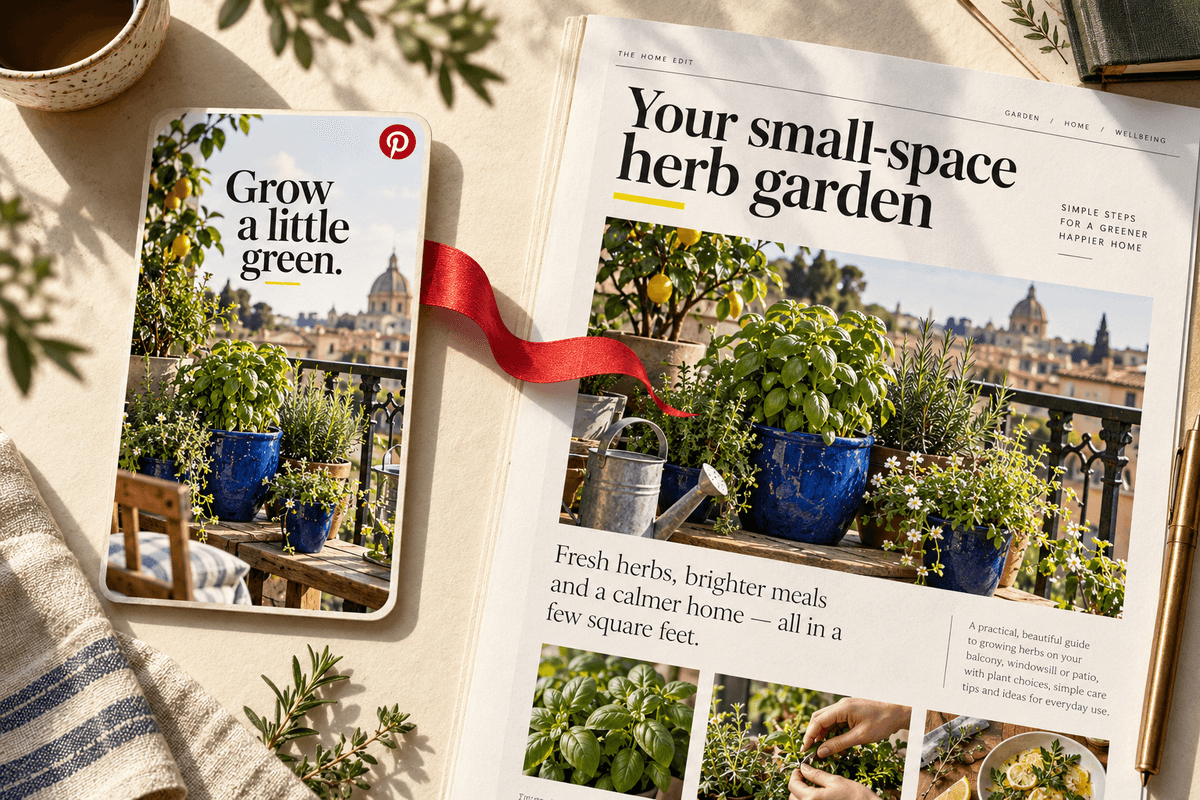
A useful affiliate article needs people who are interested in the problem it solves. Pinterest gives visual ideas a route to discovery: someone sees a project, a product in context, or an appealing checklist and can follow through to the full explanation on your site.
That makes it worth evaluating as part of an affiliate content strategy, especially when your subject is easy to demonstrate visually. It does not make traffic or commissions automatic. The opportunity comes from matching a reader’s interest with a clear Pin and a destination that delivers what the Pin promises.
It meets people while they explore ideas
Pinterest describes itself as a visual discovery engine. Think about what that means for an educational article: a person may be gathering room ideas, planning a project, or exploring a new hobby before they know exactly what to buy. Helpful content can answer the questions that sit between inspiration and a decision.
For example, a Pin showing a compact reading corner could lead to an article about arranging lighting and seating in a small room. The article can explain dimensions, tradeoffs, and alternatives. An affiliate recommendation then has context. You have helped the reader think through the project instead of sending them directly from an attractive image to an unexplained product.
A visual can make a useful idea immediately clear
Some questions are easier to introduce with an image than a paragraph. A labeled packing layout, an organized shelf, or a simple before-and-after arrangement can show what the reader might learn. The image does not have to tell the entire story. It needs to make the subject recognizable and give someone a reason to investigate.
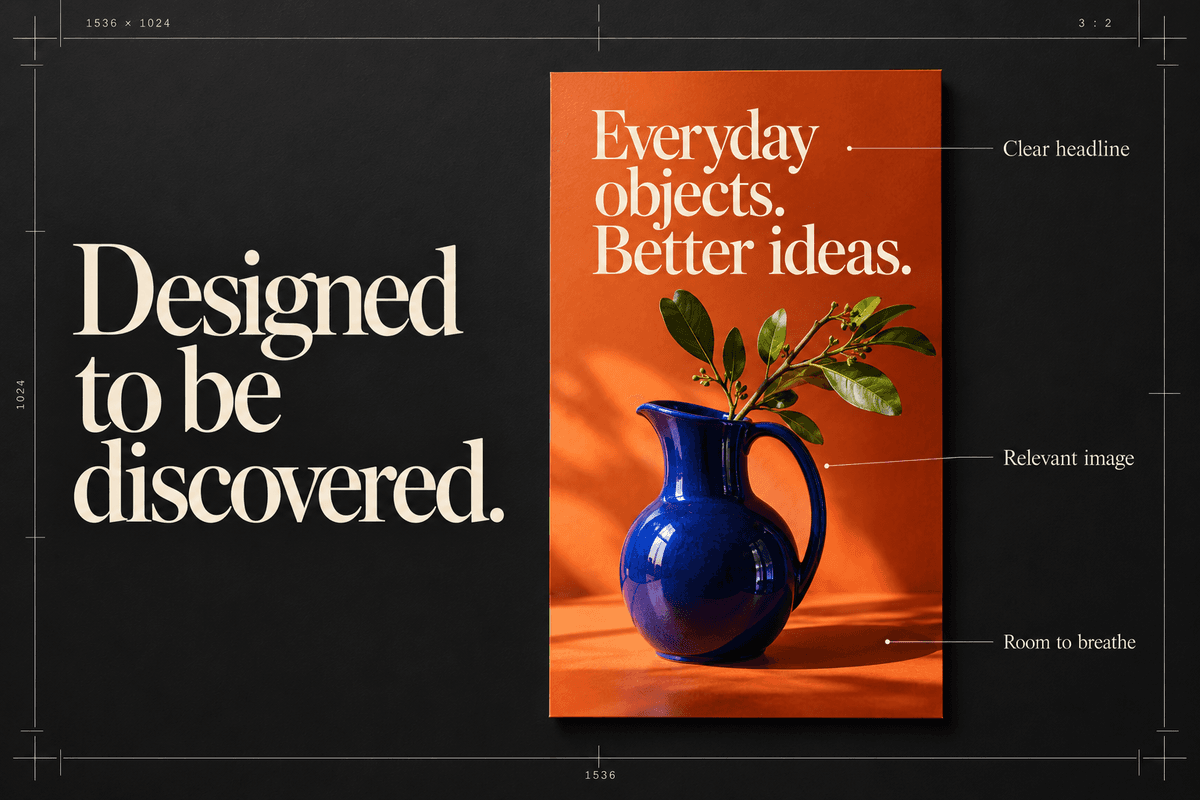
Choose details that support the article rather than relying on generic decorative imagery. If a guide explains three ways to arrange a narrow desk, show a narrow desk or a readable diagram. Use images you own or have permission to publish. An appealing visual loses its value when it misrepresents the outcome or introduces products the article never discusses.
Each Pin can introduce a specific resource
A destination link lets a Pin act as the beginning of a longer explanation. That suits affiliate education because a buying decision often needs more detail than an image can carry. Your article has room for a tutorial, an honest comparison, measurements, product limitations, and links to neighboring questions.
Match the destination closely. A Pin titled “What to measure before buying a desk” should open the measurement guide. Sending that visitor to a homepage makes them repeat the search. Before sharing, open the link on a phone and confirm that the title, lead image, and first paragraph clearly continue the same topic. Remove unnecessary friction between curiosity and the answer.
One strong article can support several distinct angles
A thorough guide usually answers more than one related question. A beginner gardening article might cover container size, drainage, and positioning. You can introduce each of those topics with a distinct Pin, provided the linked article genuinely explains it. This makes the effort spent researching the article useful in several pieces of creative.
Distinct means a different helpful entry point, not an endless stream of nearly identical uploads. Plan the reader promise first, then choose the visual and headline. Maintain an inventory so you know which angle each Pin covers and where it leads. If you cannot describe how two Pins help readers differently, one may be enough.
It encourages you to build a connected content library
When you plan Pins around real articles, gaps in your content become visible. You may have beautiful organization ideas but no explanation of measurements, or plenty of product lists without a guide to choosing between them. Those gaps are opportunities to serve the same reader more completely.
Create a small cluster around one project: an introductory guide, a checklist, and a comparison. Link them naturally on your site. Readers arriving at any one page can continue learning without starting over. This also gives you more meaningful destinations for future Pins. The library remains valuable even when a particular product changes or one traffic source becomes less reliable.
You can evaluate interest separately from business results
Pinterest Analytics includes measures such as impressions, saves, and outbound clicks. Those describe different actions. A saved idea may be useful for future planning, while an outbound click indicates a visit away from Pinterest. Neither alone proves that a visitor read your article or completed an eligible affiliate purchase.
Combine platform reporting with appropriate site analytics and the affiliate program’s reports. Choose a defined review period, compare related topics, and make one change at a time. If people click but leave quickly, inspect the article’s relevance and mobile experience. If the article attracts engaged readers but few product clicks, the recommendation may need better context or a different fit.
Build a workflow you can maintain
Pinterest needs research, creative work, relevant destinations, and ongoing maintenance. Results vary with your topic, content, audience, timing, and platform changes. Avoid planning around a promised number of daily views or a fixed date for your first commission. Publish enough useful work to learn while keeping expectations tied to evidence.
Begin with one article and a few well-defined Pin concepts. Review the copy, images, links, and board selection before publishing. Profit Pins can help organize creative and scheduling, but you still decide whether the recommendation is accurate and useful. Keep checking current Pinterest rules and the terms of any affiliate program whose products you promote.
Make Pinterest creation part of your Profit Pins workflow
Profit Pins brings the creative part of your Pinterest strategy into one workspace. Start with an Amazon product URL or another supported product page, choose a visual direction, and generate Pins for the recommendation you want to share. Keep the product, copy, and destination together as you review.
For a small-space kitchen guide, create Pinterest Pins about the storage problem, the useful product detail, and the finished idea. Point each Pin to a destination that delivers that angle. Use Profit Pins to organize the approved creative and schedule it to your Pinterest boards at a pace you can maintain.
Sources & further reading
Platform features and program rules change. Check these official resources for current details.
Keep exploring: How to Use Pinterest to Drive Traffic to Your Blog
Written by Profit Pins Team